Create your workspace
Signing up creates your company’s own workspace at its own address, with a 14-day trial and no card required.
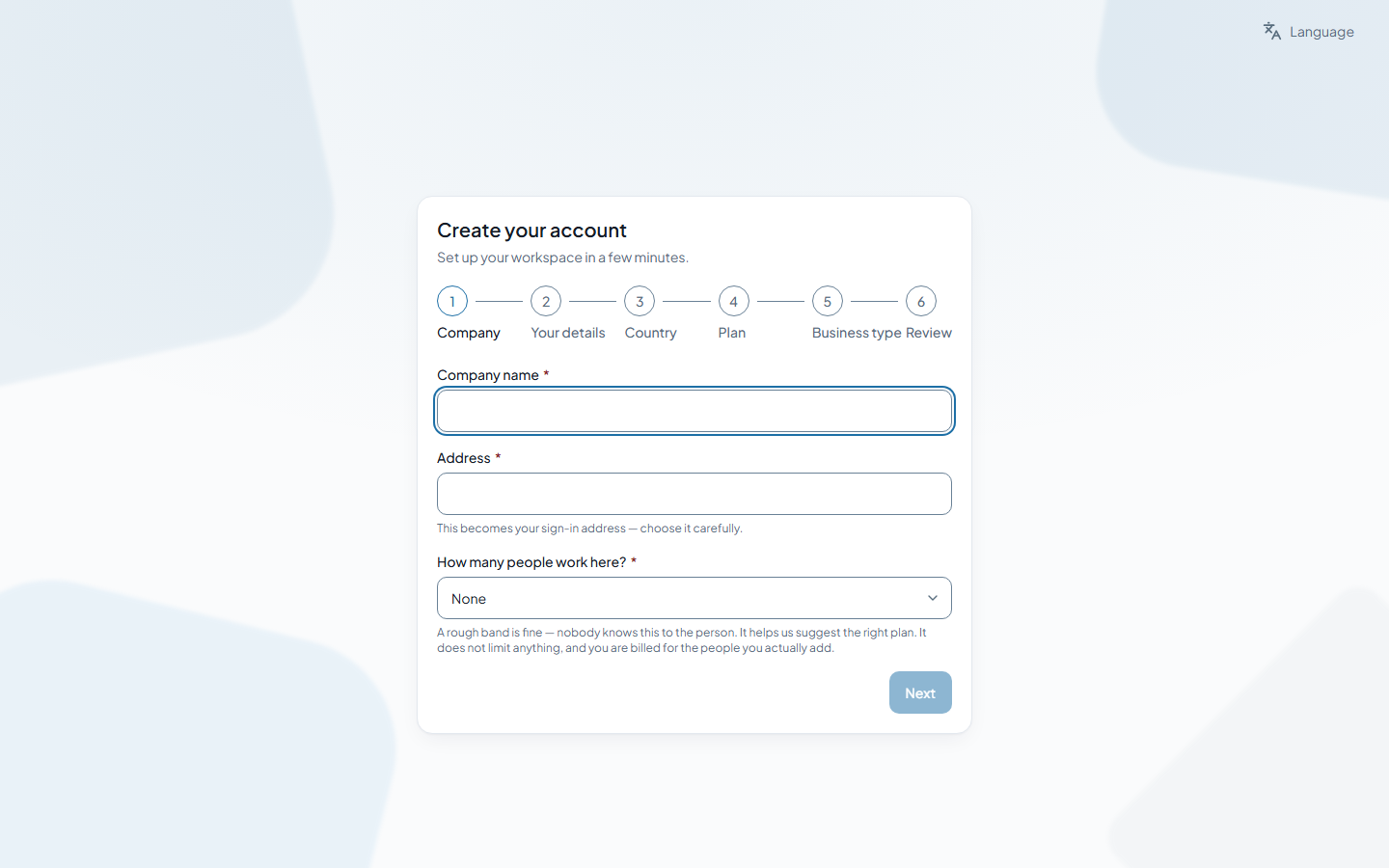
Steps
- Open the sign-up page and choose your Business type. The answer decides which apps your company starts with — everything else stays one click away on the App page.
- Enter the Company details and the workspace address. The address becomes the part before the dot in your company’s web address; if it is taken or reserved the form says so.
- Enter Your details — the first account is the owner’s — and the Country. The country sets tax, payroll and other rules for the whole workspace and is fixed at sign-up.
- Choose a Plan, check the Review page and press Start your trial.
- Open the activation link in the email you receive. Your trial starts when you do, so nothing is lost if you finish later.
Related
Was this page helpful?
Thank you.
Your answer is kept on this device only. Nothing is sent anywhere — there is no service behind this button yet, and this page will say so until there is.