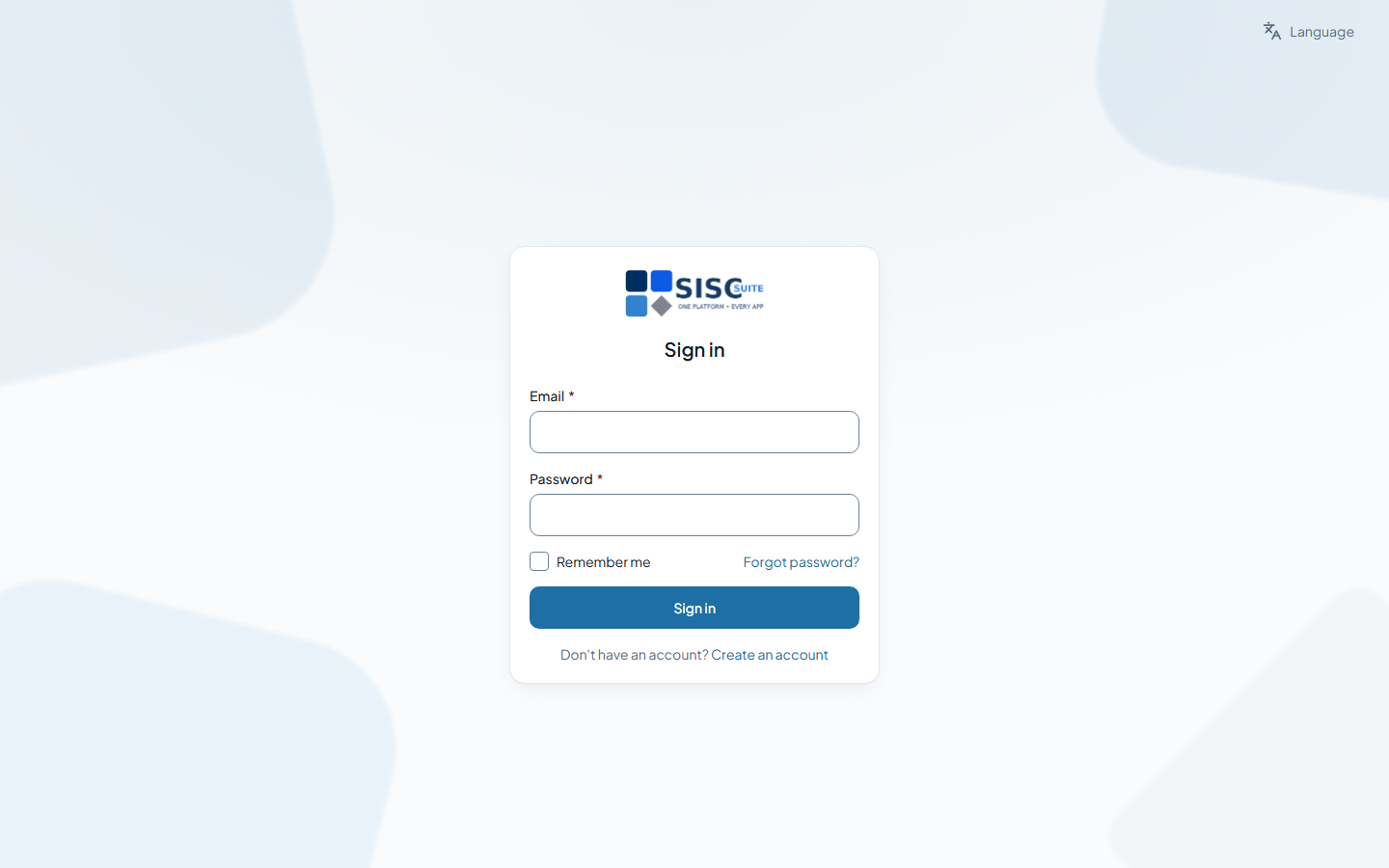
Sign in
You sign in at your workspace’s own address, or through the shared sign-in page, which asks which workspace to open if you belong to more than one.
Steps
- Go to your workspace address, or to the sign-in page and choose Sign in with your workspace address instead if you know it.
- Enter your Email and Password and press Sign in. Tick Remember me only on a device that is yours.
- If two-factor authentication is on, enter the 6-digit code from your authenticator app, or choose Use a recovery code instead.
- If you belong to several companies the Choose a workspace page lists them — pick the one to open.
Forgotten the password? Forgot password? on the sign-in page sends a reset link if the address is on an account.
Related
Was this page helpful?
Thank you.
Your answer is kept on this device only. Nothing is sent anywhere — there is no service behind this button yet, and this page will say so until there is.